|
Creating Oracle
11gR1
(11.1.0.6) Real Application Cluster
(RAC) Database on Automatic
Storage Management
By Bhavin Hingu
|
This
document explains the step by step process of Creating Oracle 11g
Real Application Cluster (RAC) database using ASM storage
option.
Creating Oracle 11g
(11.1.0.6) Real Application Cluster
(RAC)
Database:
Make
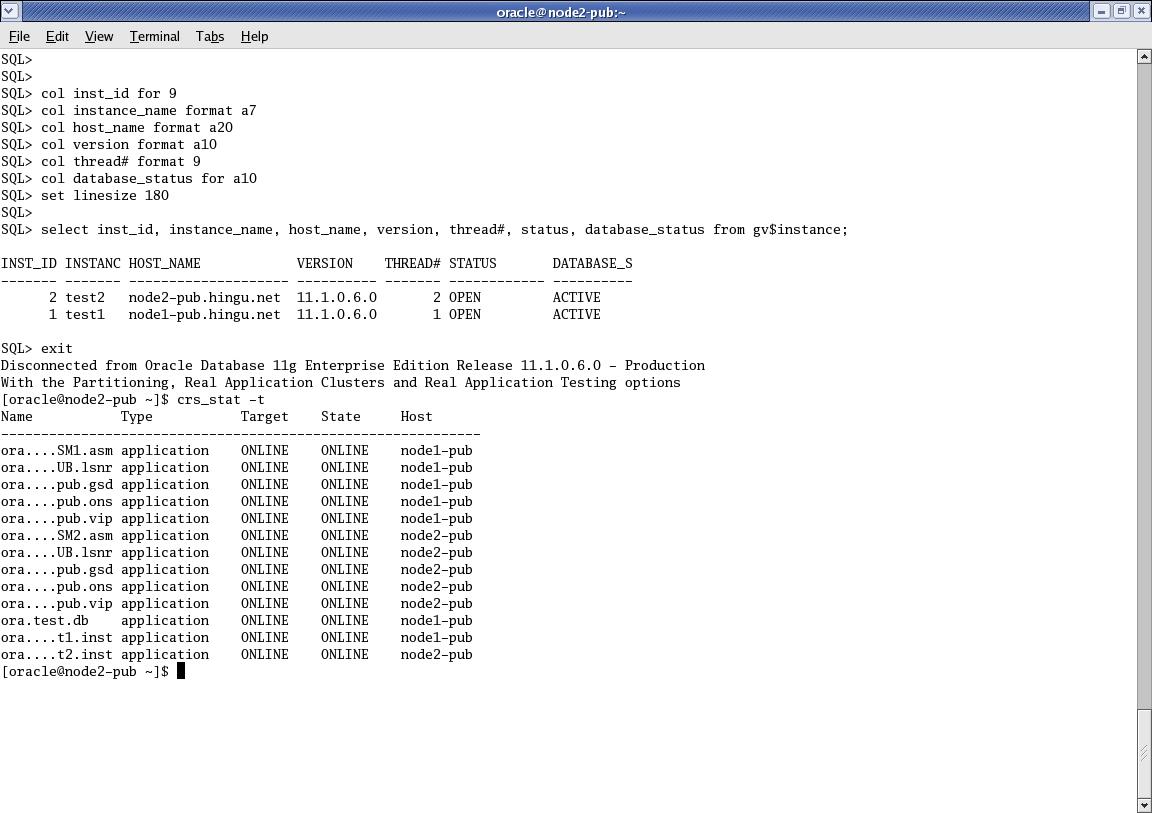
Sure that the crs is up and running and nodeapps and asm instances are
up and running on all the nodes in Cluster.
[oracle@node1-pub
~]$ crs_stat -t
Name
Type
Target State
Host
------------------------------------------------------------
ora....SM1.asm
application ONLINE
ONLINE node1-pub
ora....UB.lsnr
application ONLINE
ONLINE node1-pub
ora....pub.gsd
application ONLINE
ONLINE node1-pub
ora....pub.ons
application ONLINE
ONLINE node1-pub
ora....pub.vip
application ONLINE
ONLINE node1-pub
ora....SM2.asm
application ONLINE
ONLINE node2-pub
ora....UB.lsnr
application ONLINE
ONLINE node2-pub
ora....pub.gsd
application ONLINE
ONLINE node2-pub
ora....pub.ons
application ONLINE
ONLINE node2-pub
ora....pub.vip
application ONLINE
ONLINE node2-pub
[oracle@node1-pub
~]$
[root@node1-pub
~]# crsctl check crs
Cluster Synchronization Services appears healthy
Cluster Ready Services appears healthy
Event Manager appears healthy
[root@node1-pub ~]#
[oracle@node1-pub
oracle]$ dbca
Xlib:
connection to ":0.0" refused by server
Xlib: No
protocol specified
Can't
connect to X11 window server using
':0.0' as the value of the DISPLAY variable.
If you get the above error,
please execute the below command as
root and then start the dbca by connecting as oracle.
[root@node1-pub ~]# xhost +
access control disabled, clients can
connect from any host
[root@node1-pub ~]# su - oracle
[oracle@node2-pub ~]$ dbca
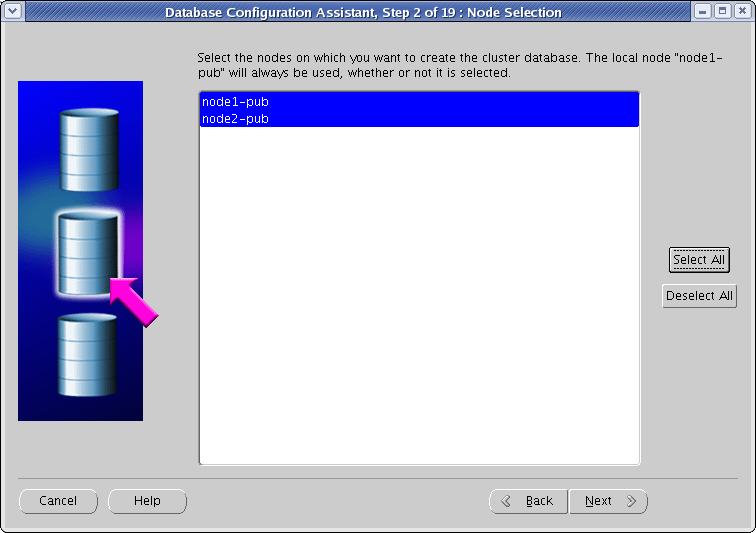
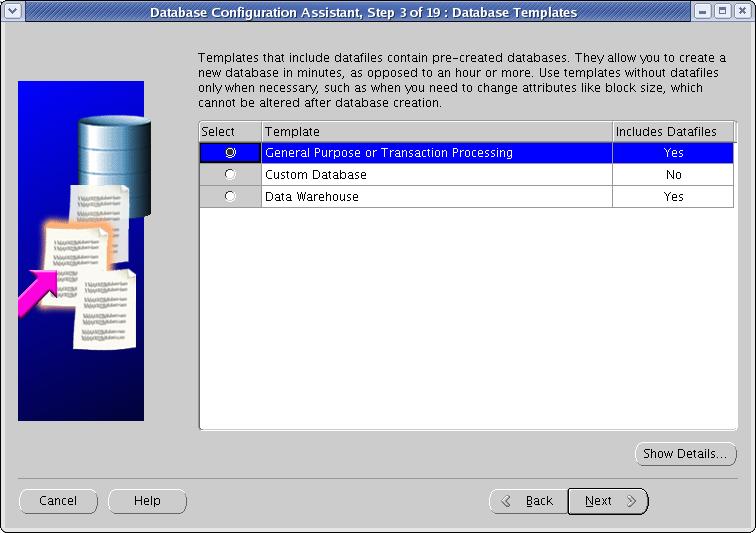
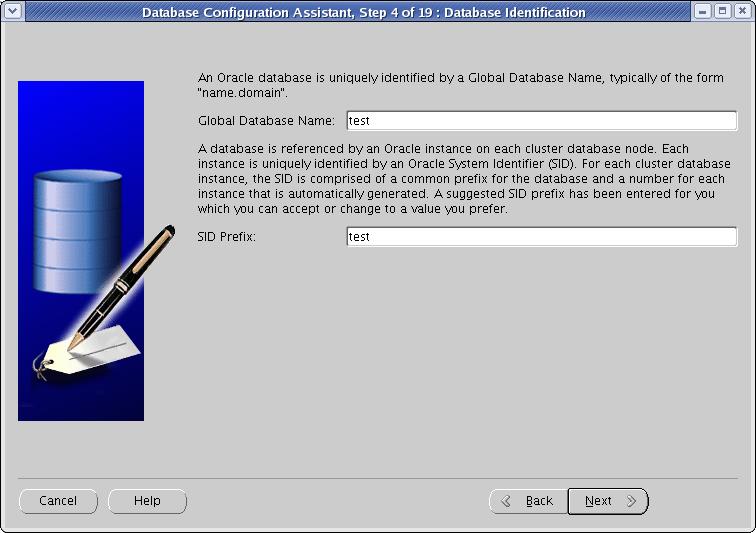
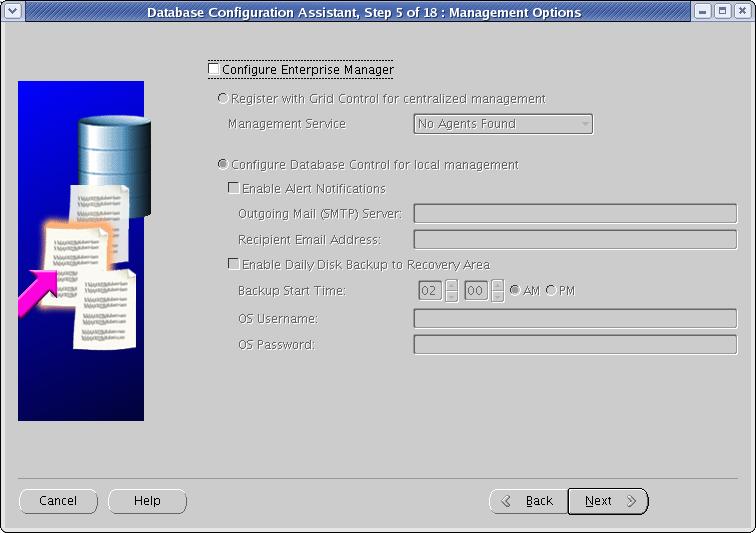
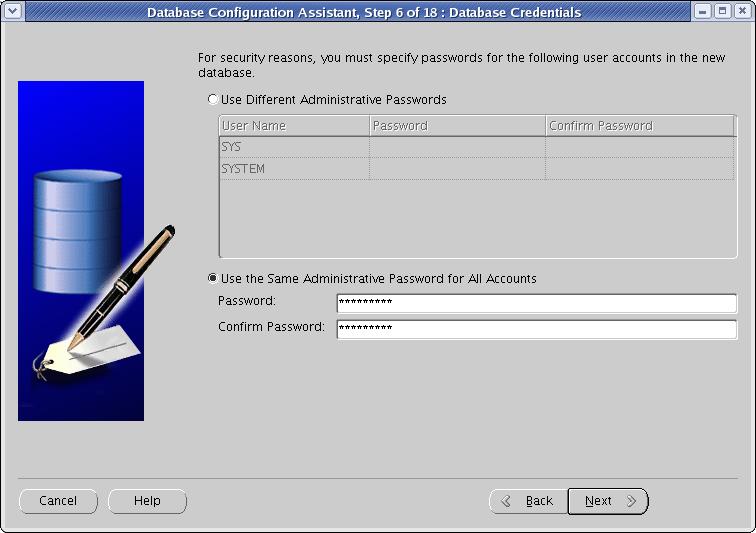
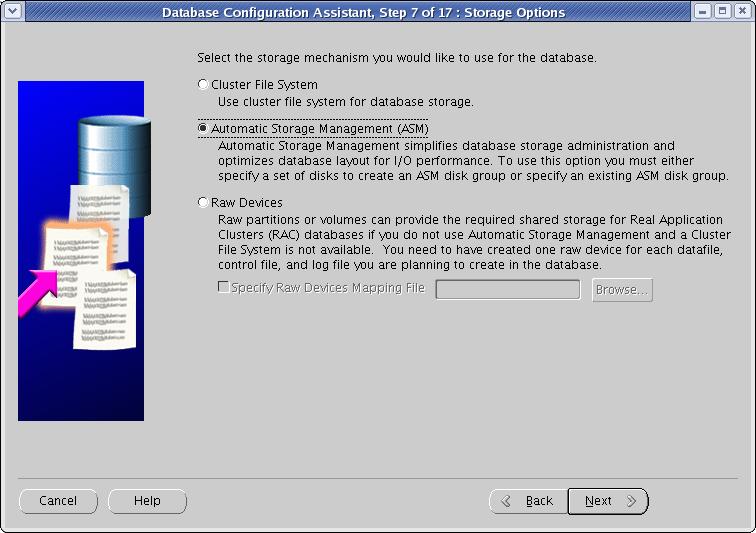
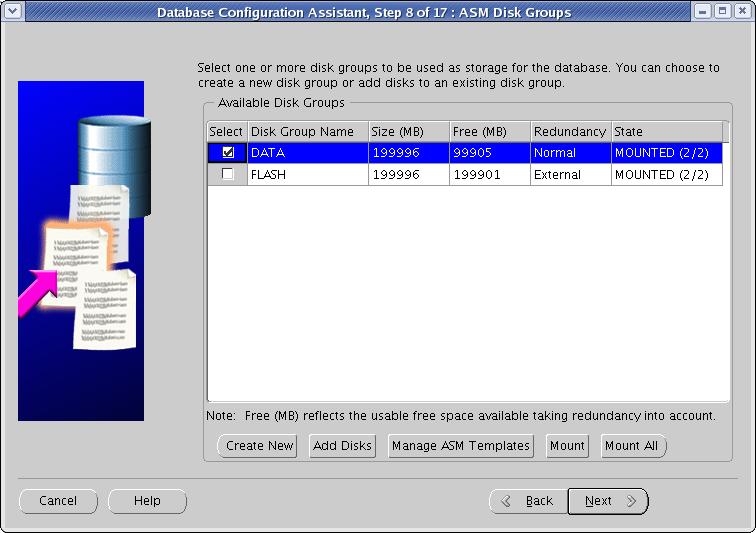
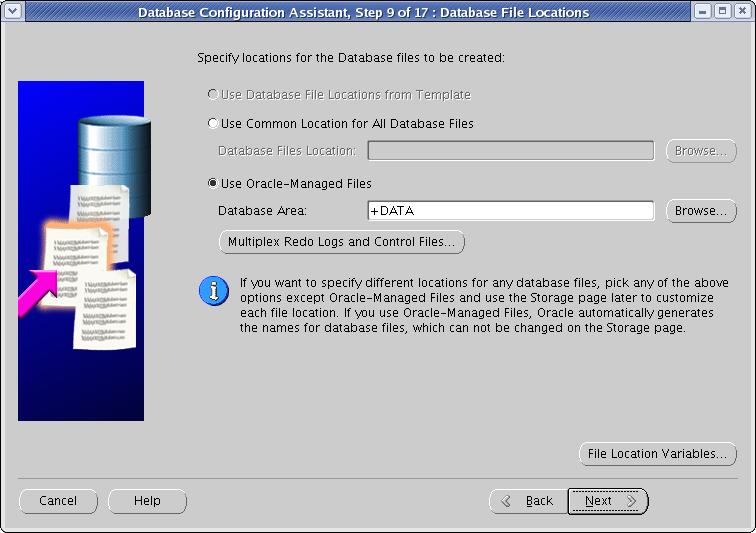
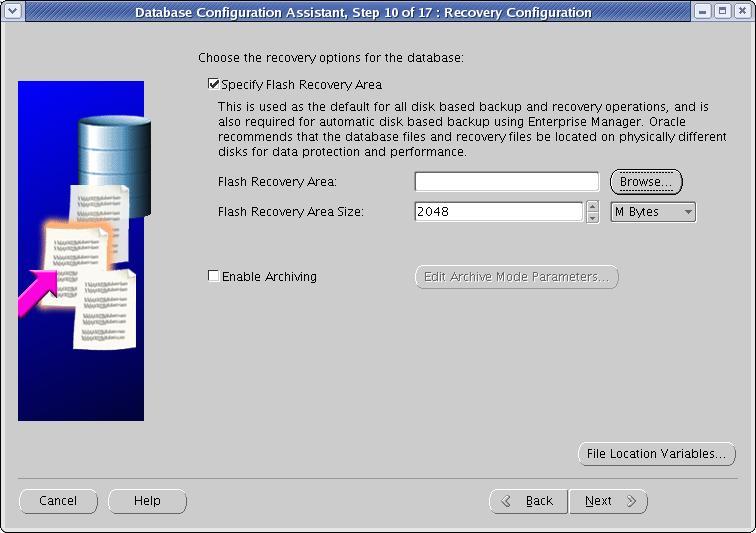
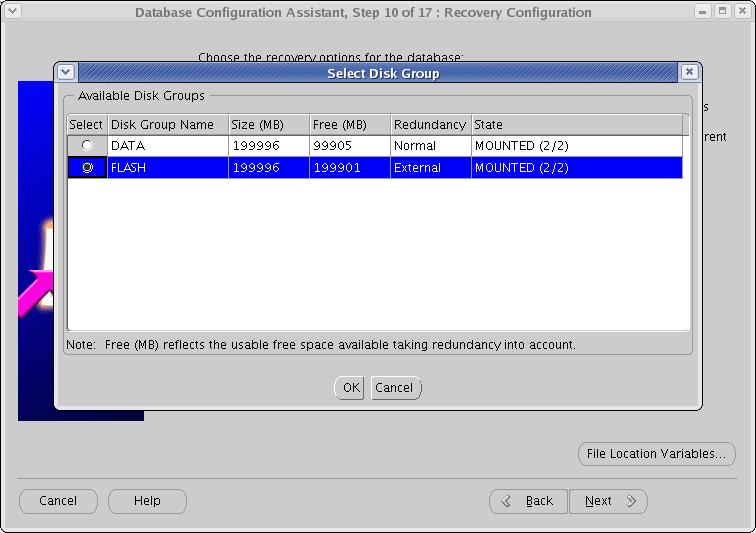
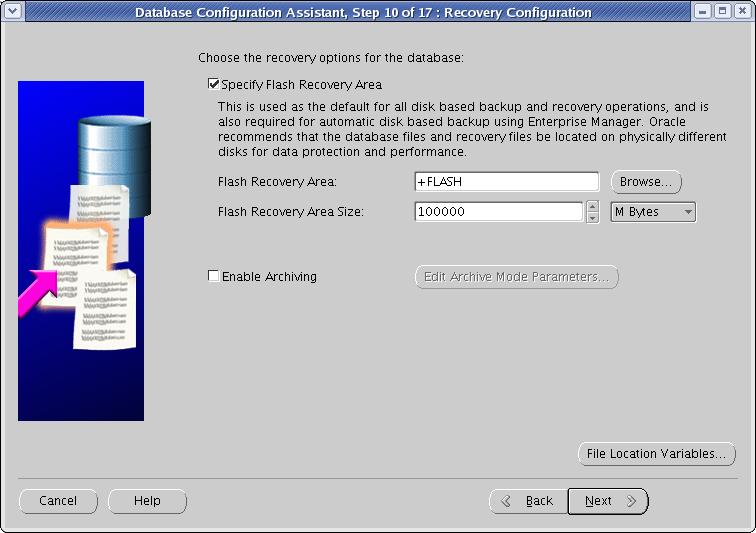
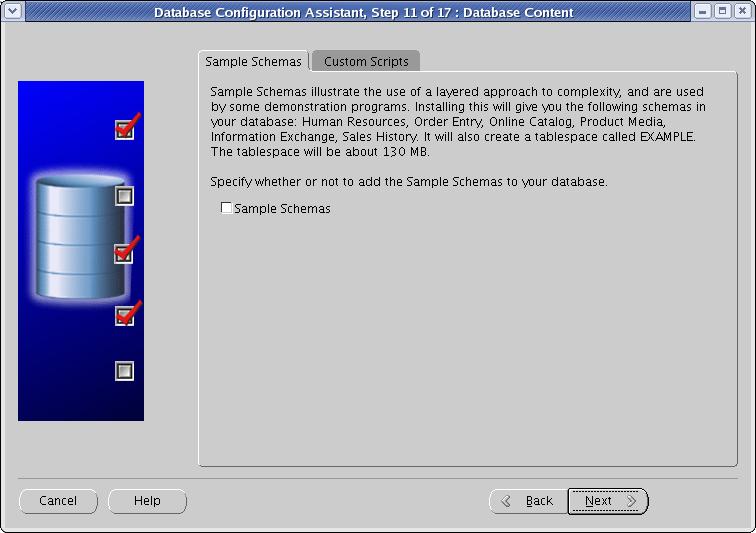
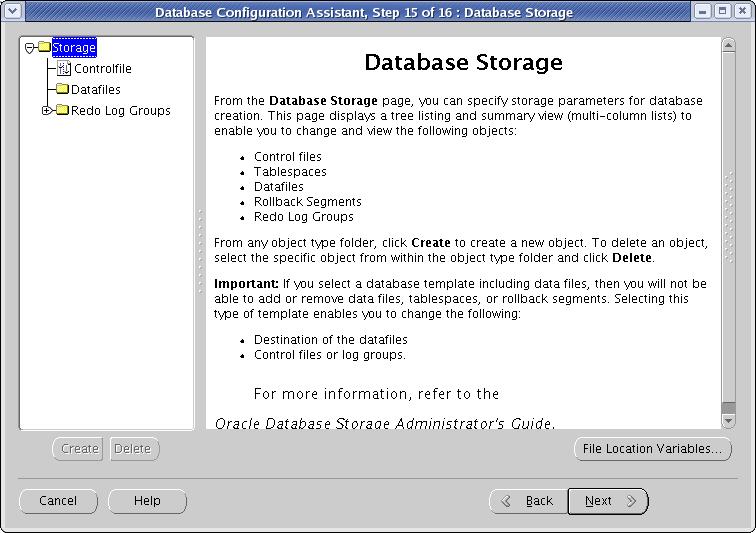
Now follow
the steps below:
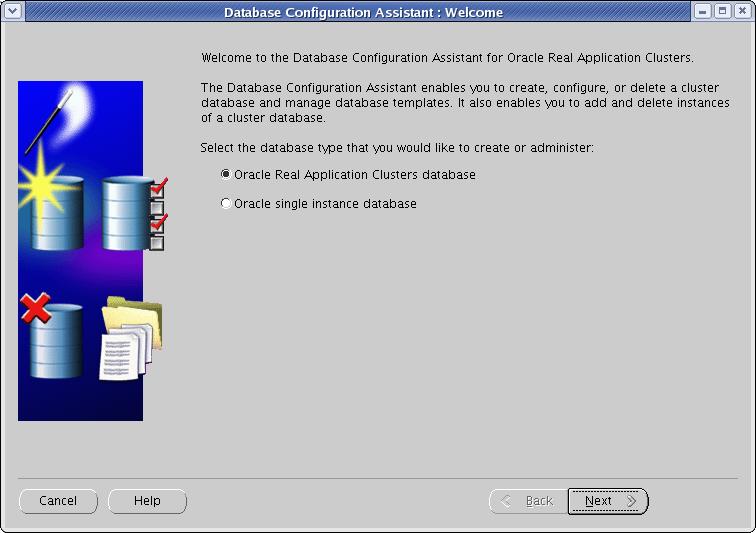
Select "Oracle Real
Application Cluster
databae" option and Click Next.