 |
Installation Of Oracle
11g R1
(11.1.0.6) Real Application Cluster
(RAC) Software on CentOS
EL 4 Update 5 x86
By Bhavin Hingu
|
This
document explains the step by step process of installing Oracle 11g
Real Application Cluster (RAC) with OUI.
Installing
Oracle 11g R1
(11.1.0.6) Real Application Cluster
(RAC)
Software
32-bit on CentOS EL 4 Update 5 (DB_HOME):
Lets
Install RAC bineries for ORACLE_HOME.
set ORACLE_BASE to /u01/app/oracle for
this installation.
Start
the runInstaller command as
oracle user from any one node When OUI displays the Welcome page, click
Next
[oracle@node1-pub
~]$ export
ORACLE_BASE=/u01/app/oracle
[oracle@node1-pub ~]$ 11g_database/database/runInstaller
Xlib:
connection to ":0.0" refused by server
Xlib: No protocol specified
Can't connect to X11 window server using
':0.0' as the value of the DISPLAY variable.
If you get the above error,
please execute the below command as
root and then start the runInstaller by connecting as oracle.
[root@node1-pub
~]# xhost +
access control disabled, clients can connect from any host
[root@node1-pub ~]# su - oracle
[oracle@node1-pub ~]$ 11g_database/database/runInstaller
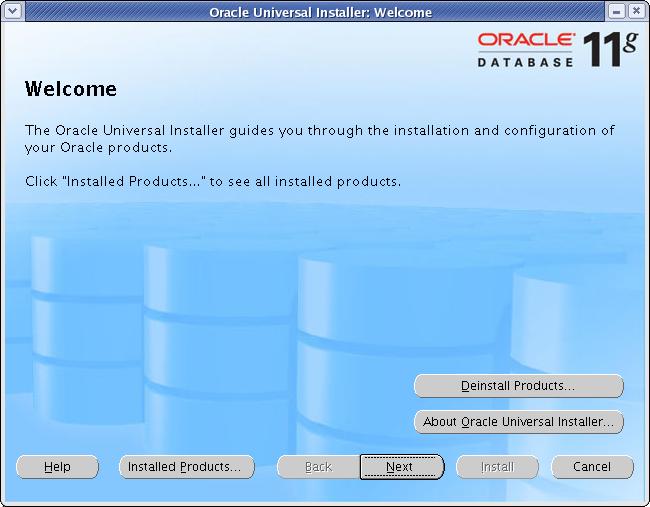
Click
Next
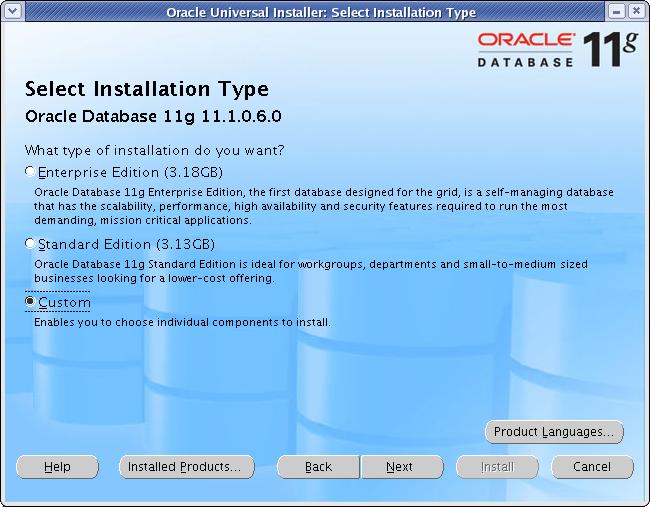
Select
"Custom" and Click Next.

Click
Next
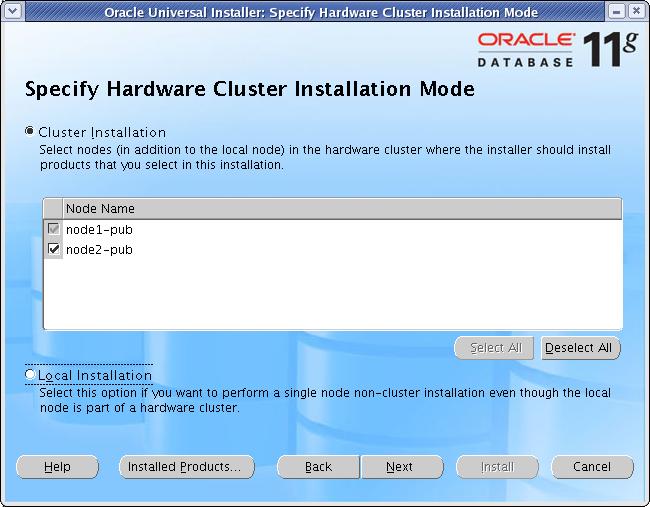
Select
all the nodes and Click Next
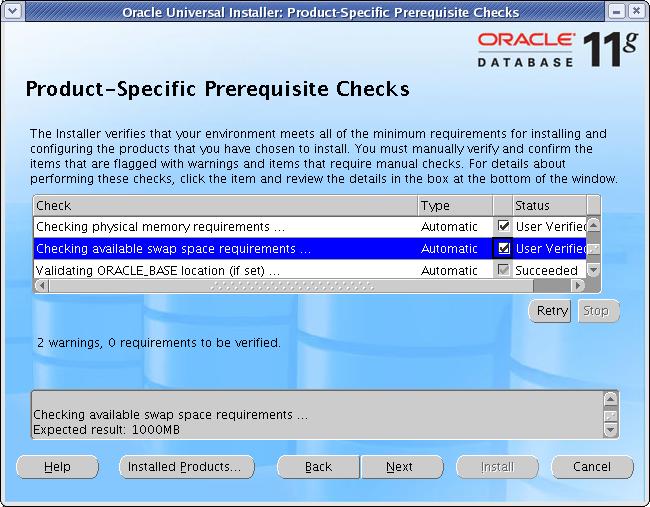
At
this step, you should not receive any
error. If you have configured the Pre-Installation
steps correctly, then you will not
get any errors. I get one warning here as you can see which
is complaining about the low memory
than required. I had only 512 MB ram and the required memory
is 1GB but I would not worry about
this warning and will check the status box.
Click
Next
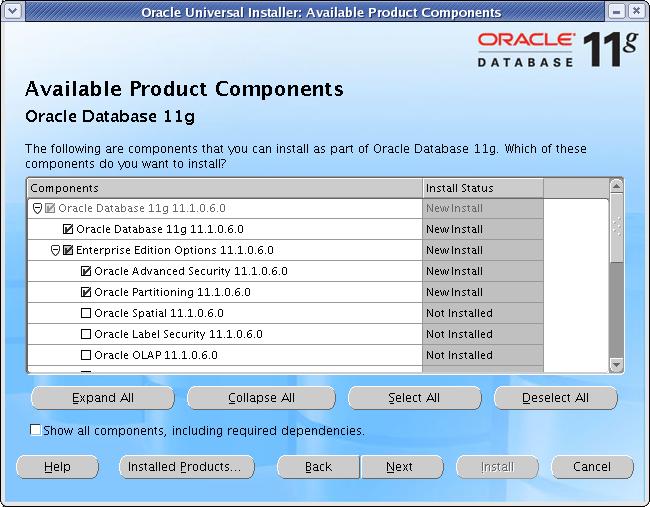
Click
Next
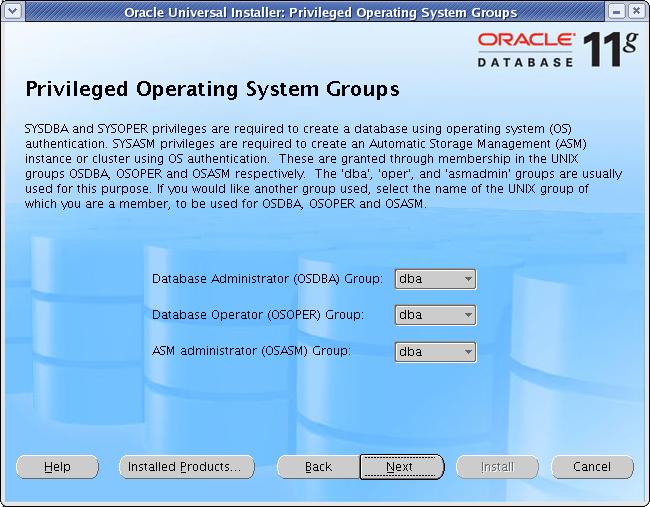
Leave the Default values (dba, dba) and Click
Next
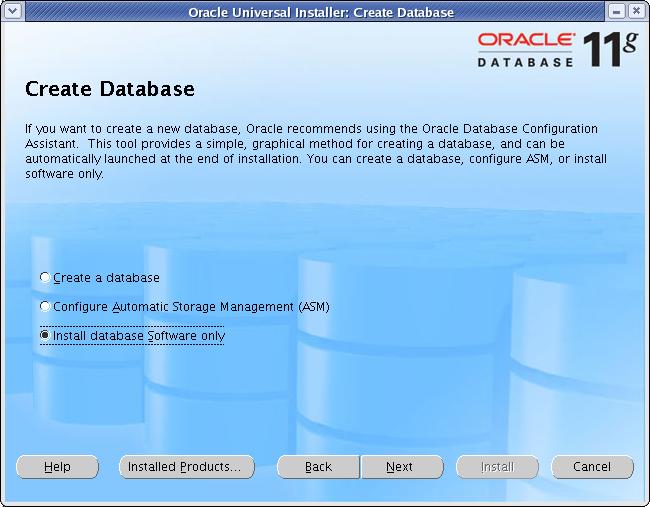
Select "Install database Software Only" and Click
Next
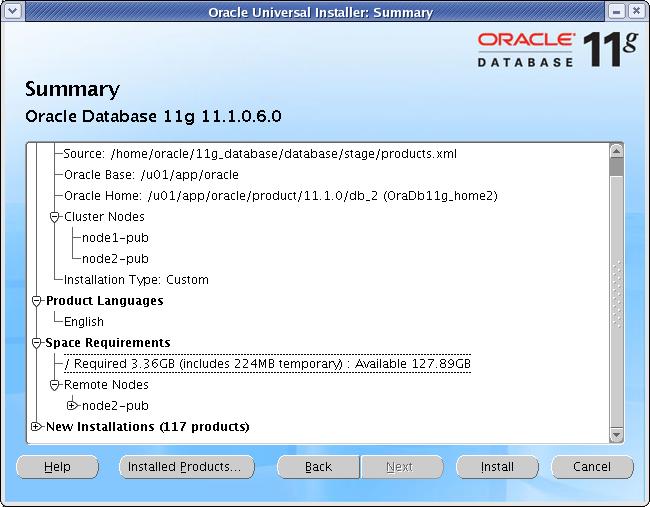
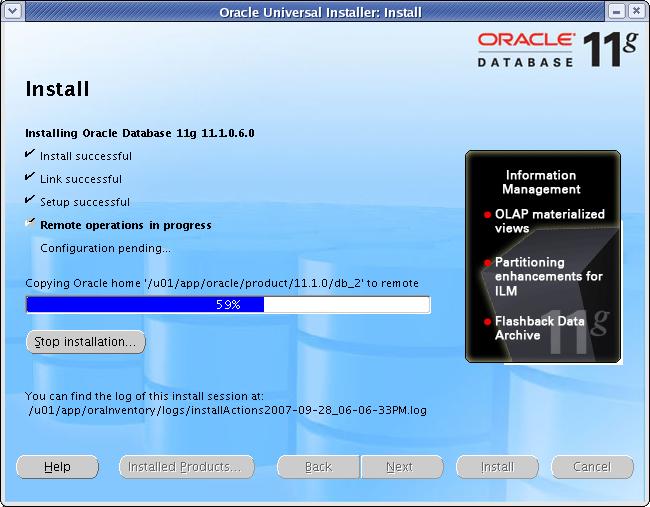
Click
Install

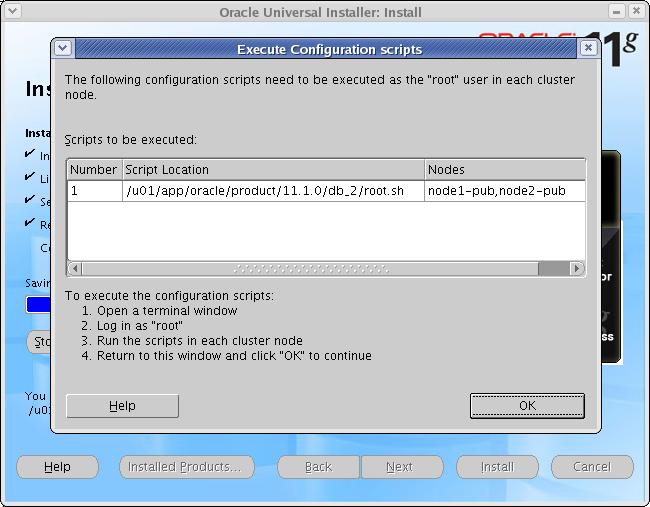
Execute the mentioned script on
all the nodes.
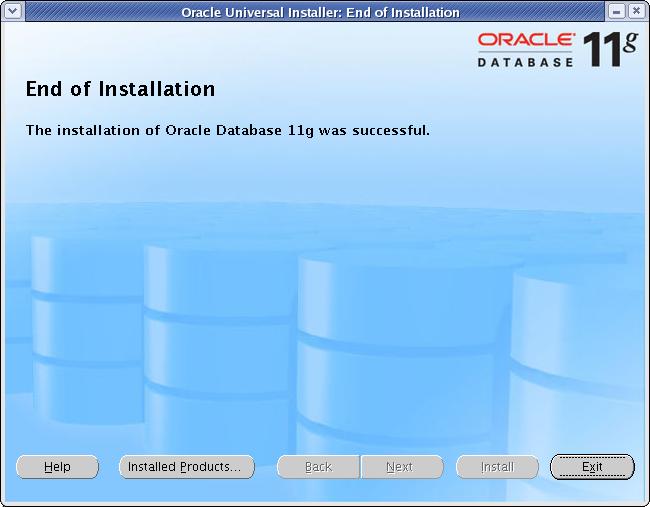
Click
Exit
At this time, you need to update the .bash_profile file with the
ORACLE_HOME and PATH value as shown below.
please update this file an all the RAC nodes.
oracle@node1-pub ~]$ cat .bash_profile
# .bash_profile
# Get the aliases and functions
if [ -f ~/.bashrc ]; then
. ~/.bashrc
fi
# User specific environment and startup programs
PATH=$PATH:$HOME/bin
unset USERNAME
export CRS_HOME=/u01/app/crs
export ASM_BASE=/u01/app/asm
export ASM_HOME=$ASM_BASE/product/11gr1
export ORACLE_BASE=/u01/app/oracle
export ORACLE_HOME=$ORACLE_BASE/product/11gr1
PATH=$PATH:$CRS_HOME/bin:$ORACLE_HOME/bin
export PATH
# The below piece of code avoid the RAC installation error due to stty
if [ -t 0 ]; then
stty intr ^C
fi
umask 022
[oracle@node1-pub ~]$